
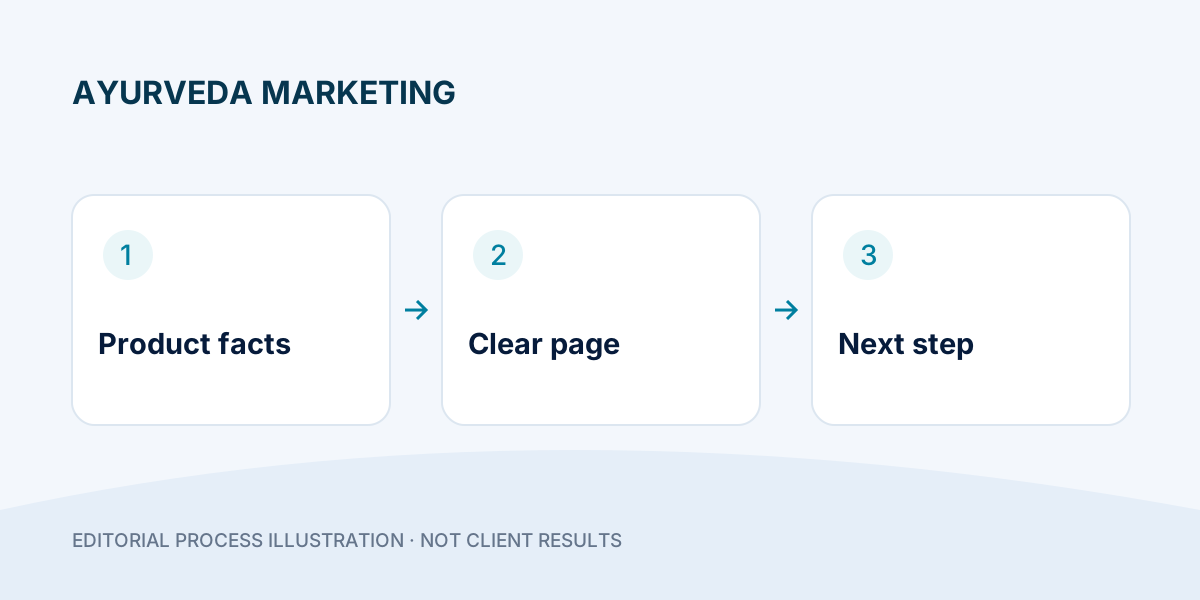
Turn approved pack information into a clear product page.
- Separate pack facts from unreviewed claims.
- Give category and product pages different jobs.
- Verify images, language versions and the next action together.
A visitor who reaches an Ayurvedic product page should not have to guess which pack is shown, who sells it or how availability is confirmed. Useful product information helps the buyer and gives the website a clearer structure. This checklist focuses on presentation and marketing accuracy. It does not recommend a medicine, dose or treatment, and it does not turn unreviewed health claims into acceptable copy.
Step 1: create an approved product information sheet
Before writing the page, collect the exact product name, brand, form, pack size, readable label images and the business's approved description. Record who checked the information and when. Copy factual details from the correct pack version rather than a competitor's page. If the label changes, review the page and images together.
Keep unresolved facts out of polished sales copy. A missing document is a question to resolve, not permission to invent a certification, approval, ingredient benefit or manufacturing claim. Product-specific statements should have appropriate factual and professional review before publication.
Keep facts, claims and unknowns separate
| Draft statement | Evidence to check | Editorial decision |
|---|---|---|
| Pack size and product form | The exact current pack or approved product record. | Publish the confirmed value; check the image matches. |
| “Certified” or “approved” | The relevant document, scope and applicability to this item. | Keep out of copy until the responsible reviewer confirms the wording. |
| “Available everywhere” | Actual fulfilment coverage and exceptions. | Replace with the real availability-check process. |
| Guaranteed health benefit | A marketing draft is not clinical evidence. | Do not publish the promise; escalate product claims for appropriate review. |
This is an editorial sorting exercise, not a certification or legal checklist. A polished layout should never hide the difference between a verified fact and an unresolved claim.
Step 2: give the category page a separate job
A category should help people understand and compare the available range. Explain the meaningful differences your business can substantiate, such as pack size or product form. Link to each actual product and use clear image labels. Do not list unavailable packs merely to attract searches.
A product page then covers one specific item or a clearly explained group of variants. Avoid copying the full category introduction onto every product. If two pages serve the same purpose, decide whether they genuinely need to be separate. Consistent names help the sales team recognise the same product the visitor is asking about.
Step 3: write a descriptive title and opening
Use a concise title built around the actual product and distinguishing detail. A planning example is “Product name — 100 g pack | Brand”, with every placeholder replaced by verified information. Avoid a chain of repeated keywords, city names and claims such as “best permanent cure”. The page heading and visible product name should agree.
Google recommends descriptive, concise title elements and may generate a different search title from page content. Its title-link guidance explains the distinction. A title is useful page information, not a guaranteed search-result display.
Step 4: make images readable and honest
Show the correct front pack and any relevant label view with permission to use the image. Keep important wording legible in the large preview. Compress the image without making the label unreadable, and give it a short factual alternative description. Decorative images should not replace the actual pack when someone needs to identify a product.
If you use an illustrative design preview, label it as an illustration. Do not present stock artwork, a draft label or another brand's pack as the item being sold. Check image loading on a phone and reserve its display space so the main action does not jump while the page loads.
Step 5: explain the next action accurately
Choose the action the system can really complete: check availability, ask a product question or proceed through a working purchase flow. State the displayed price and applicable charges only from current approved business data. If an enquiry is required, do not call it an instant order. Keep shipping, returns and seller contact information easy to find.
Do not place dosage guidance or personalised medical advice into an automated sales response. Give the sales team a clear route for questions that need a qualified professional. A well-structured page can reduce confusion without adding long promotional paragraphs.
Step 6: connect helpful information
Link back to the correct category and include genuinely related products or guides only where they help the visitor. A pack-identification guide can explain how to read the page; a delivery link can answer fulfilment questions. Avoid unrelated cross-links inserted just to repeat keywords.
For Hindi and English versions, keep the product identity, pack facts and action consistent. Translate explanations fully and preserve the meaning of factual terms. Review both versions after a change, rather than leaving one with an old pack or unavailable offer.
Pre-publication worksheet
- Identity: name, form and pack match the actual item.
- Evidence: description and images have an approved source.
- Usability: label preview, links and action work on mobile.
- Commercial facts: price, availability and policies are current or clearly await confirmation.
- Review: responsible owner, date and both language versions checked.
After publication, note recurring questions. If several buyers cannot identify the correct pack, improve the pack description and image before adding more traffic. Do not treat a rise in visits as proof of product suitability or customer outcomes.
Frequently asked questions
Can the same manufacturer text be pasted everywhere?
Use accurate approved facts, but organise each page for its actual purpose. Check permissions and avoid unreviewed claims or irrelevant copied paragraphs.
Should every product mention every city?
No. Keep product information focused and put real delivery information where buyers can find it.
Do product pages guarantee sales from SEO?
No. Clear pages are one part of a usable website. Ask DigiFlyX about the page structure for your Ayurveda range without assuming a promised ranking or sales result.
Try it: perform a two-pack mismatch check
Choose two real packs from the same range. Build a side-by-side sheet with exact name, form, pack size, image filename, page title and enquiry label. Read each row as a buyer and then as the team member receiving the enquiry.
Illustrative failure: the title says 100 g while the photo shows 200 g. Do not resolve it by shrinking the photo or leaving a vague “size may vary” line. Check the approved item, correct the mismatched field, and repeat the check in Hindi and English. Stop publication if the identity is still uncertain.