
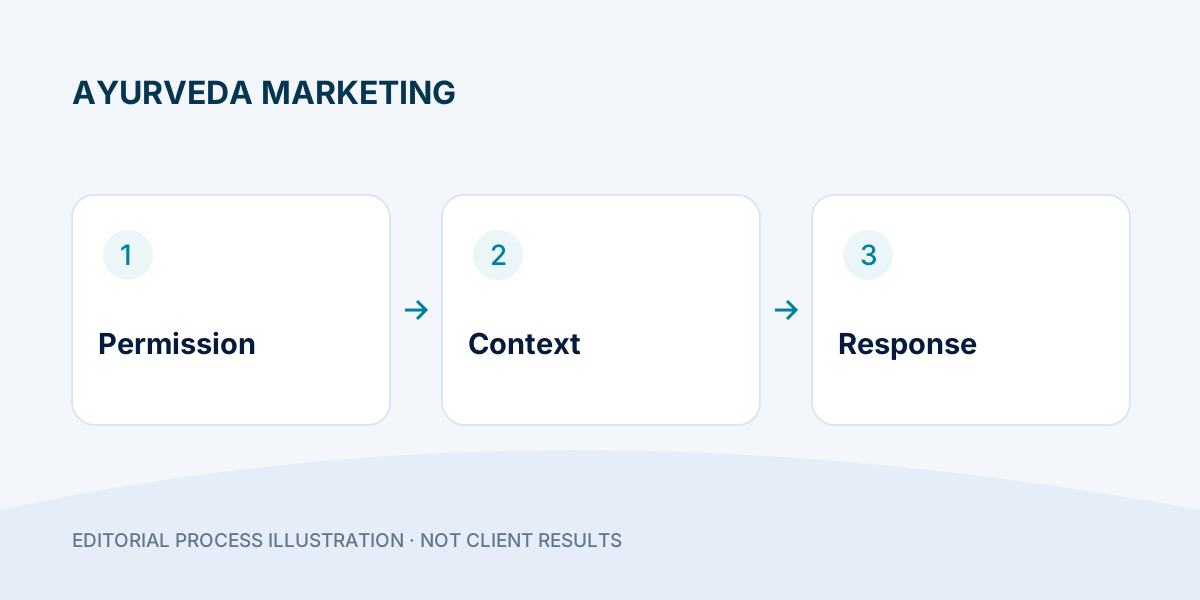
Turn an incoming product question into one clear reply, owner and agreed next action.
- Separate an enquiry reply from promotional contact.
- Write a useful handoff without copying private conversations.
- Close or pause follow-up when the customer asks.
Someone asking about an Ayurvedic medicine is not automatically asking for repeated promotional messages. They may want pack information, delivery availability or clarification about an existing order. A useful WhatsApp process starts by recognising that question and keeping a clear boundary between sales assistance and personal medical advice. This guide outlines a team workflow; it does not claim that a particular tool can read conversations, send messages automatically or collect health information.
Step 1: Record where the enquiry came from
Distinguish a visitor who started a WhatsApp conversation from a contact imported from another source. Keep the product or campaign context where it is available and relevant. A number appearing in a spreadsheet does not, by itself, establish permission for promotional contact. Before assigning follow-up, make sure the team understands how the person requested contact and what they asked about. Do not purchase lists or treat unrelated old contacts as fresh product enquiries.
Step 2: Give each enquiry one clear owner
Use a reference, owner, state and next action. “Assigned” means someone is responsible; “Answered” means a reply was actually sent. Keep “Waiting for customer” separate from “Waiting for our team”, otherwise a missing stock check can look like customer silence.
For each open enquiry, write the next action as a verb: check delivery, send the requested pack details, or answer the outstanding order question. Add a date only when there is a real commitment. If the same person asks about another product, link the questions rather than deleting the second one as a duplicate. These are suggested team labels, not features claimed for your current software.
Step 3: Reply to the actual question first
Use a short introduction, identify the product being discussed and answer the practical question. For example: “You asked whether this pack can be delivered to your area. Please share the delivery postcode so we can check availability.” This is an illustrative reply, not a message to send automatically. Do not start with a long catalogue or pressure the person to buy immediately. Confirm unclear product names rather than assuming which medicine they mean.
Step 4: Keep medical questions out of a sales script
A sales representative can share reviewed product information and explain ordering arrangements. They should not diagnose a person, promise a cure, recommend changing prescribed treatment or infer suitability from a short chat. Escalate personal health questions to an appropriately qualified professional through your approved process. Avoid copying sensitive health details into a general lead sheet. If the business has a separate clinical service, keep its information-handling process distinct from ordinary product marketing.
Step 5: Agree the next contact instead of guessing
If the person needs time, ask whether a later reply would be useful and note the requested timing. Do not interpret silence as permission to keep sending reminders. Keep optional promotional updates separate from the current enquiry. When someone asks you to stop, honour that preference across the team’s relevant contact lists and do not restart outreach simply because the number appears in another campaign. Check the current rules of the messaging product you actually use before configuring campaigns or automation.
Step 6: Make unfinished work visible without copying everything
A practical handoff needs the enquiry reference, product context, owner, current state and next agreed action. It does not need the whole conversation pasted into every tool. If you use Lead Fetch, confirm its actual supported connection and sync scope before designing your process around it. Do not assume it downloads arbitrary historical messages, reads message bodies or performs customer follow-up. The presence of a lead record and the completion of a human reply are different events.
Step 7: Review the quality of responses
Review a small, appropriate sample with the team. Look for unanswered questions, duplicate contact, unclear product information and reminders sent after a stop request. Measure response handling using your real records and agreed definitions. If many enquiries ask the same question, improve the relevant product landing page or creative explanation rather than repeatedly asking staff to explain missing information in chat.
End-of-day check: what is actually waiting?
- Find unanswered questions owned by the team. An assigned row is not a completed reply.
- Check agreed follow-up times and make sure only one colleague will respond.
- Close resolved enquiries; retain stop-contact preferences in the relevant team process.
- Identify recurring missing product information and give that issue to the page or content owner.
Use only the enquiry details needed for the work. Keep personal health conversations out of general campaign reports and restrict access to people handling the enquiry.
Frequently asked questions
Should every new number receive the same welcome message?
No. Confirm the source and enquiry context first. A reply to an incoming question and a promotional message to an imported number are not the same situation.
How many reminders should the team send?
There is no universal number that makes every enquiry appropriate to contact again. Use the person’s request, agreed next step and current messaging requirements, and stop when asked.
Does a synced row mean the customer has been followed up?
No. Sync only records the event supported by that tool. Track the actual response and outcome separately. Discuss your Ayurveda enquiry workflow with DigiFlyX using the tools and team process you currently have.
Try it: a two-message reply and a handoff
Fictional training example—not a real customer conversation. A person has asked about delivery of the product they selected. Do not send this script to an imported list.
Customer: “Can this pack be delivered to my area?”
Team: “Which pack are you asking about, and what is the delivery postcode? I will check the current delivery information.”Customer: “I cannot check now. Please reply tomorrow afternoon.”
Team: “Okay. We will reply tomorrow afternoon about this delivery question.”
Only confirm availability after checking it. If the person does not request another contact, do not invent an agreed reminder.
| Field | Example note |
|---|---|
| Reference / source | TRAINING-01 / incoming product question |
| Owner / state | Assigned sales colleague / waiting for requested information |
| Next action | Check delivery once pack and postcode are available; reply tomorrow afternoon as requested. |
| Boundary | No diagnosis, unrelated promotion or copied health details. |
Check your workflow: can a second colleague see the agreed next action without sending another reply? If not, improve ownership before adding automation.