Names and numbers only
Capture eligible saved names and phone numbers. Message content and media stay out.
 Ayurveda digital marketing agency
Lead Fetch Extension
Save eligible WhatsApp enquiry names and numbers to your Google Sheet, with duplicate checks.
Lead Fetch| Saved name | Phone number |
|---|---|
| Example contact | •••••••••• |
| Example contact | •••••••••• |
| Example contact | •••••••••• |
A clear start
Select the number of WhatsApp accounts you need. Review the current total.
Create and verify your account, or log in. Continue through secure checkout.
After verified payment, connect your matching WhatsApp number and Google Sheet.
Capture eligible saved names and phone numbers. Message content and media stay out.
Activation enables sync. Closing Chrome does not select Pause.
Check eligible enquiries before adding rows to your Google Sheet.
Download unlocks after verified payment.
Download from Chrome StoreOpen your account to check your paid plan.
Sync requires a paid plan and a verified WhatsApp number.
Install DigiFlyX.web from Chrome Store.
Use your matching number and profile.
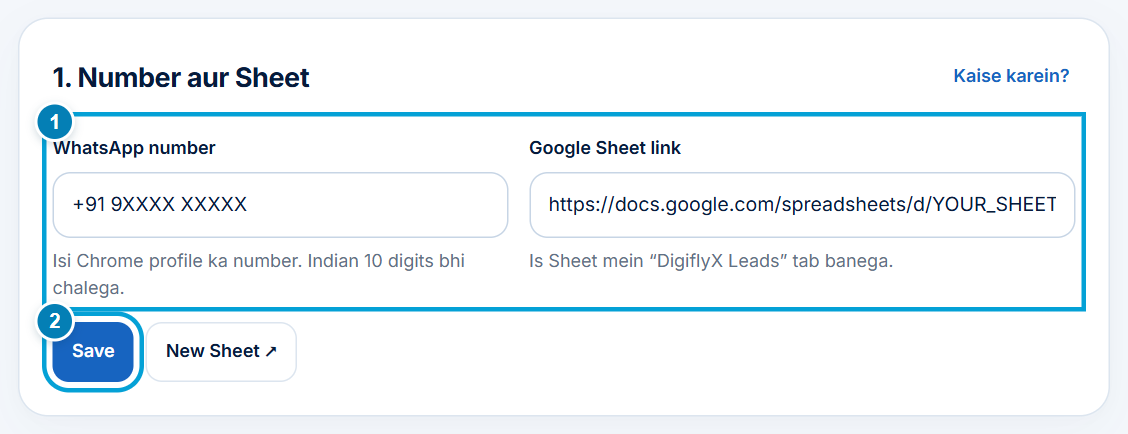
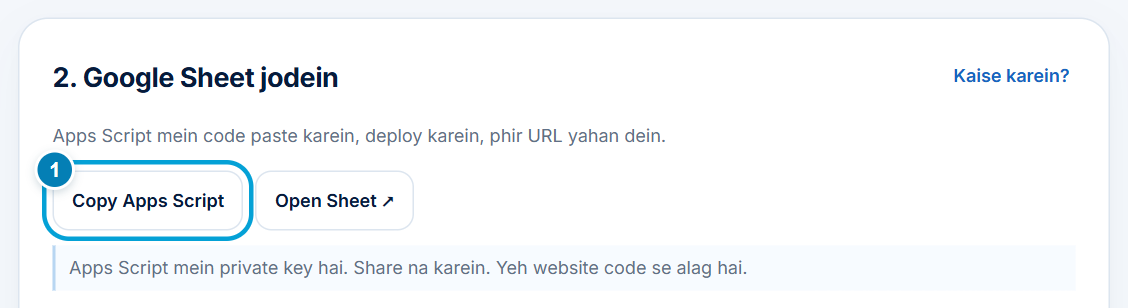
Choose your sheet to complete setup.


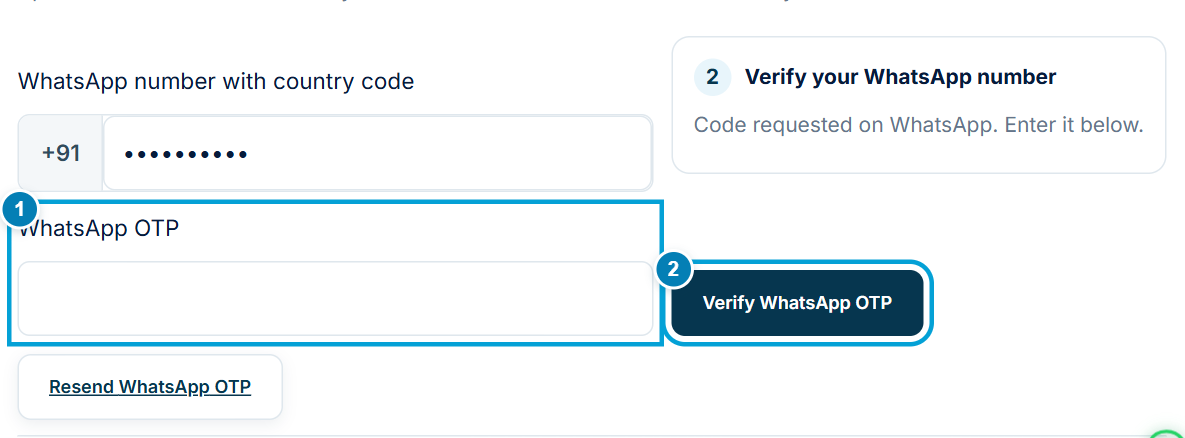

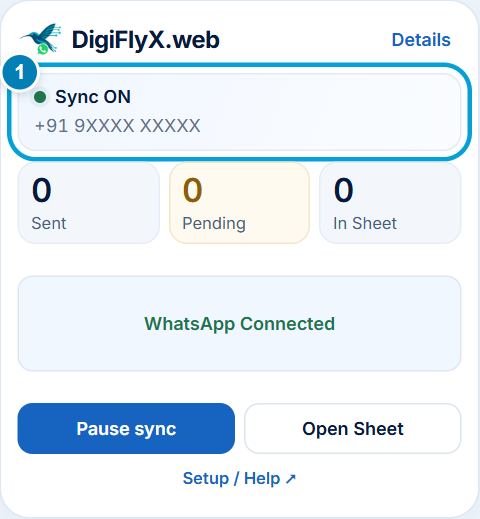
Useful details
Your prepaid 30-day term starts after successful activation, when the connected extension confirms that your matching WhatsApp session and Google Sheet are ready. Payment alone does not start the clock.
Choose how many numbers you need. Each number uses its own Chrome profile. A connected number cannot be removed or changed; a different number needs a new subscription. Unused purchased slots can still be connected.
No. Renewal is manual, with no automatic debit. Renewing the same plan keeps its existing number connections. Review the current price and taxes before renewal.
Closing Chrome or your system does not select Pause. When you reopen the matching WhatsApp session, available eligible enquiries from periods when sync was on can catch up. A confirmed manual Pause excludes enquiries from that paused period. History availability and timing depend on WhatsApp and the connection.
No. It works with eligible incoming individual enquiries exposed by WhatsApp Web. It does not collect message text or media, extract arbitrary contact lists, or download complete chat history. Pre-activation, unpaid and expired periods do not qualify.
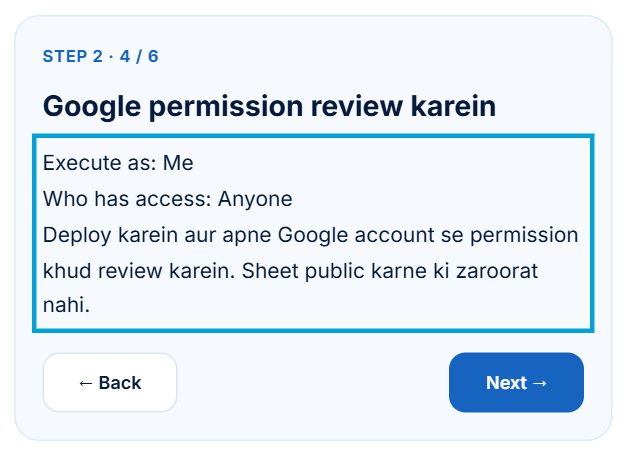
Open the setup guide below to read the complete connection steps. Download DigiFlyX.web from Chrome Store after verified payment, then follow the guide. WhatsApp verification and a matching Google Sheet are required before activation.
Keep your enquiries organised